How to Search Rutherford County Court Records
The main tool is the Rutherford County Online Court Records System. It is free, and it covers Circuit Court, General Sessions, and Clerk and Master cases. The Circuit Court Clerk ended subscription logins and switched to this free search on July 1, 2025. Older guides that mention paid logins are out of date. The home page sends you to the search screen with one click.
Before you start, gather what you know. A full first and last name works best. You can also use an old case reference number or a formatted case number. You do not need every field. A court office must be selected, though.
- Open rutherford.tncrtinfo.com and click Search.
- Type a full party name, or enter a case year or case number.
- Pick the court type: Circuit Court, General Sessions, or Clerk and Master.
- Choose Criminal or Civil as the case type.
- Complete the Cloudflare check, then click Find Now.
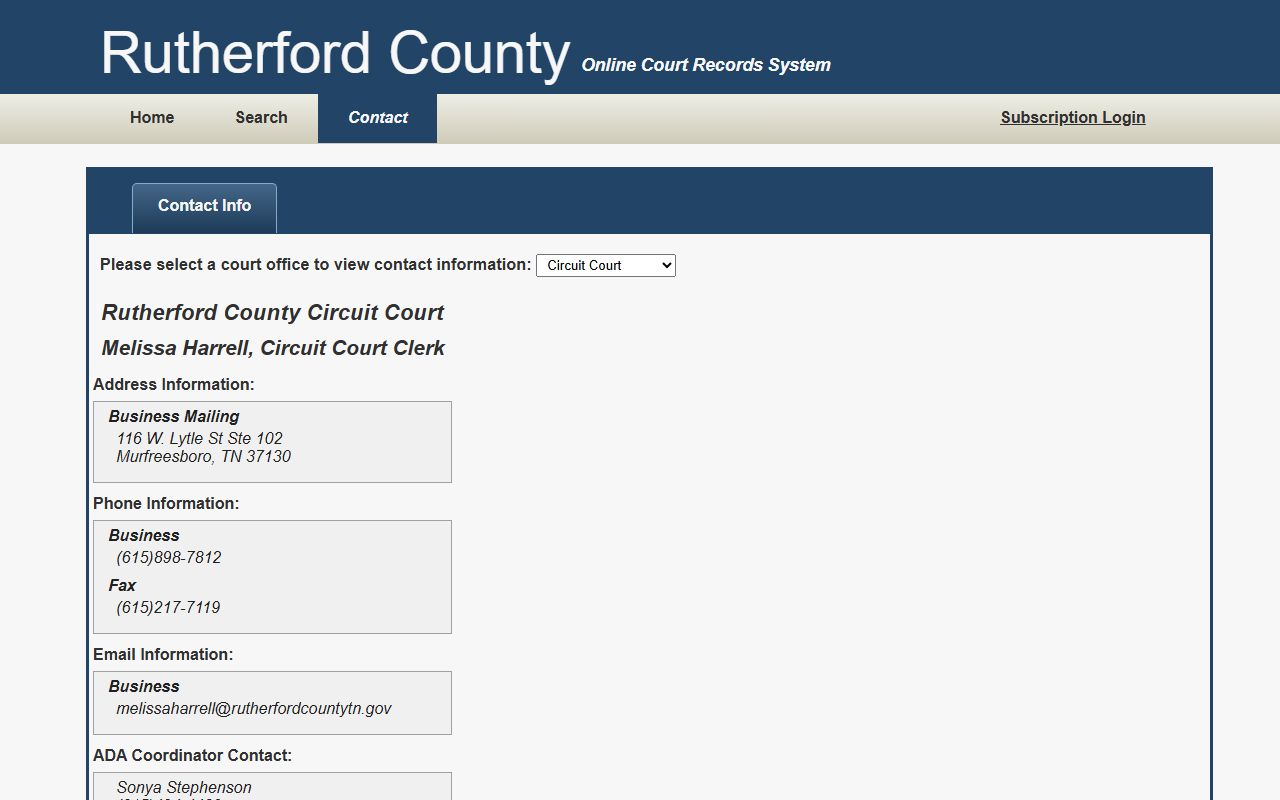
The portal contact page lists each clerk division if you need to follow up by phone.
After results load, you can sort the columns and filter visible rows with a literal text box. The maximum result set is 2,500 rows, so narrow your search if you hit that limit.
Rutherford County Court Records Search Fields
The search form is short. Each field has its own rules, and the search help spells them out. You may enter a name or a case reference, but not both at the same time. A case number should include only the numeric part after the last hyphen.
| Field Label | Type | Required | Notes / Format |
|---|---|---|---|
| Party Name | Text | No | Full first and last name; also holds a case reference number. Max 100 characters. |
| Match all search terms | Checkbox | No | Checked by default; narrows to records that match all terms. |
| Case Year | Text | No | Four digits; usually the year the case was filed. |
| Case Number | Text | No | Enter only the numbers after the last hyphen. |
| Court Type | Checkbox | Yes | Circuit Court, General Sessions, Clerk and Master. |
| Case Type | Checkbox | Yes | Criminal or Civil. |
The search has typo tolerance and phrase search. A term with five or more letters allows one typo, and a term with nine or more letters allows two. Double quotes force terms to appear in order. The post-results filter box, by contrast, is literal and does not allow typos.
Types of Rutherford County Court Records
The county produces a wide range of files. Circuit Court and General Sessions create most civil and criminal records. Chancery Court handles equity matters such as divorce and probate-related cases. Each file type sits with the court that hears it, so the court-office filter matters.
Civil records track disputes over money, property, and contracts. Criminal records track charges from arrest through sentencing. Family files cover divorce, support, and protection. Some files mix categories, but the portal sorts them by court office and case type.
- Civil records - complaints, answers, motions, judgments, garnishments, and executions.
- Criminal records - warrants, charging papers, pleas, judgments, and sentencing orders.
- Family and divorce records - decrees, support orders, and orders of protection.
- Probate and estate records - wills, estates, conservatorships, and guardianships.
- Juvenile records - confidential under state law and not open like adult files.
What Rutherford County Court Records Show
Each case file holds a standard set of fields. The online portal shows the core items, and the clerk file adds the documents behind them. Sensitive data such as Social Security numbers, financial account numbers, and minor names is usually redacted before public release.
| Field | What It Shows |
|---|---|
| Case Number | The case identifier, such as 99GS1-2023-CR-12345. |
| Party Names | Plaintiff and defendant, or petitioner and respondent. |
| Court Office | Circuit Court, General Sessions, or Clerk and Master. |
| Filing Year | The year the case was first filed. |
| Docket Events | Motions, hearings, orders, and judgments over time. |
| Disposition | The current or final outcome of the case. |
A detail page may show hearing dates, the judge or chancellor, and cost or payment data. The portal Terms of Use note that documents are not always downloadable through the free search. For exhibits or full pleadings, contact the clerk.
Public Access Framework for Rutherford County Court Records
Tennessee makes public records open by default. The Tennessee Public Records Act at Tennessee Code § 10-7-503 gives Tennessee citizens the right to inspect government records unless the law says otherwise. Court files get extra treatment under Tennessee Supreme Court Rule 34, which balances open access against the need to protect record integrity and court operations.
Inspecting a record on site is generally free. Copies cost money under a schedule of reasonable charges. The portal itself is informational, so for anything you plan to rely on in court, employment, or licensing, get a certified copy from the clerk.
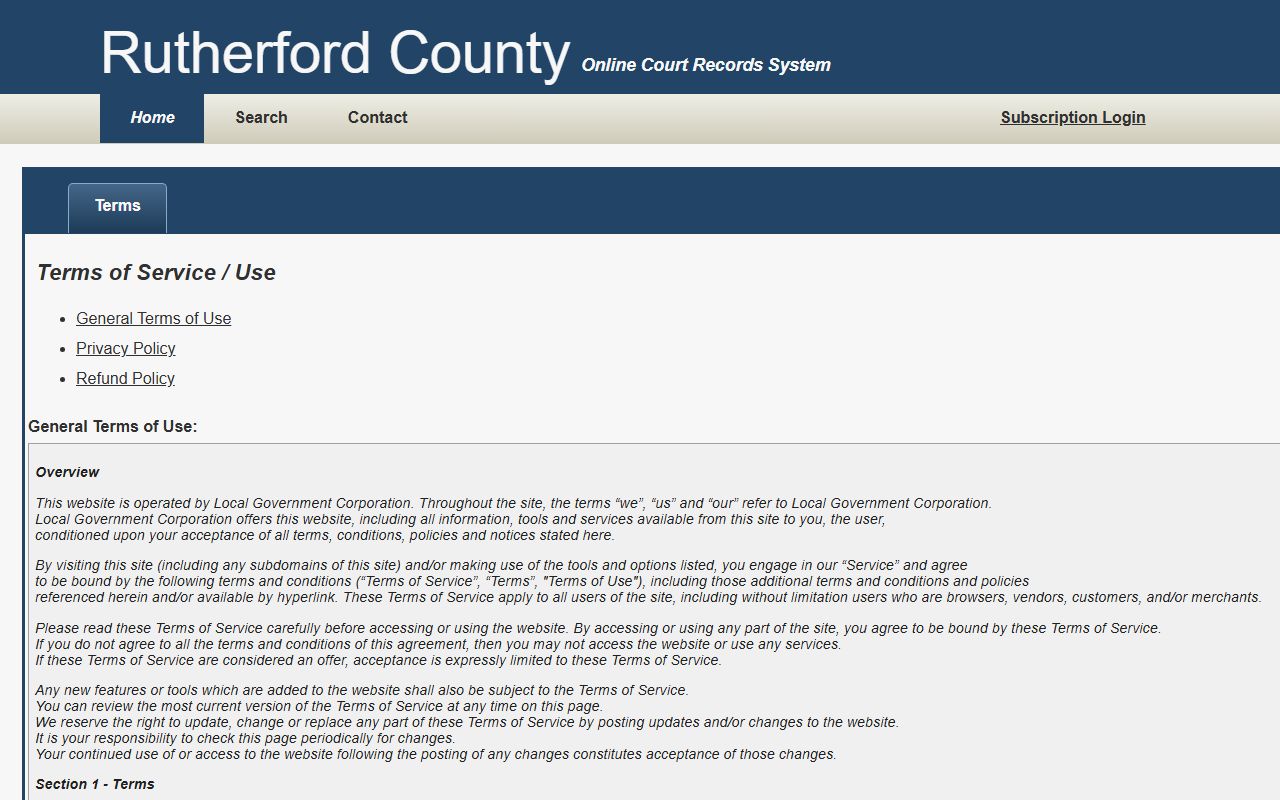
Note: The online portal Terms of Use state that its data is not the official court record and should not be relied on for legal action.
The portal's own Terms of Use page spells out the informational nature of the data, the disclaimer, and the refund policy.
Records That Are Sealed or Confidential in Rutherford County
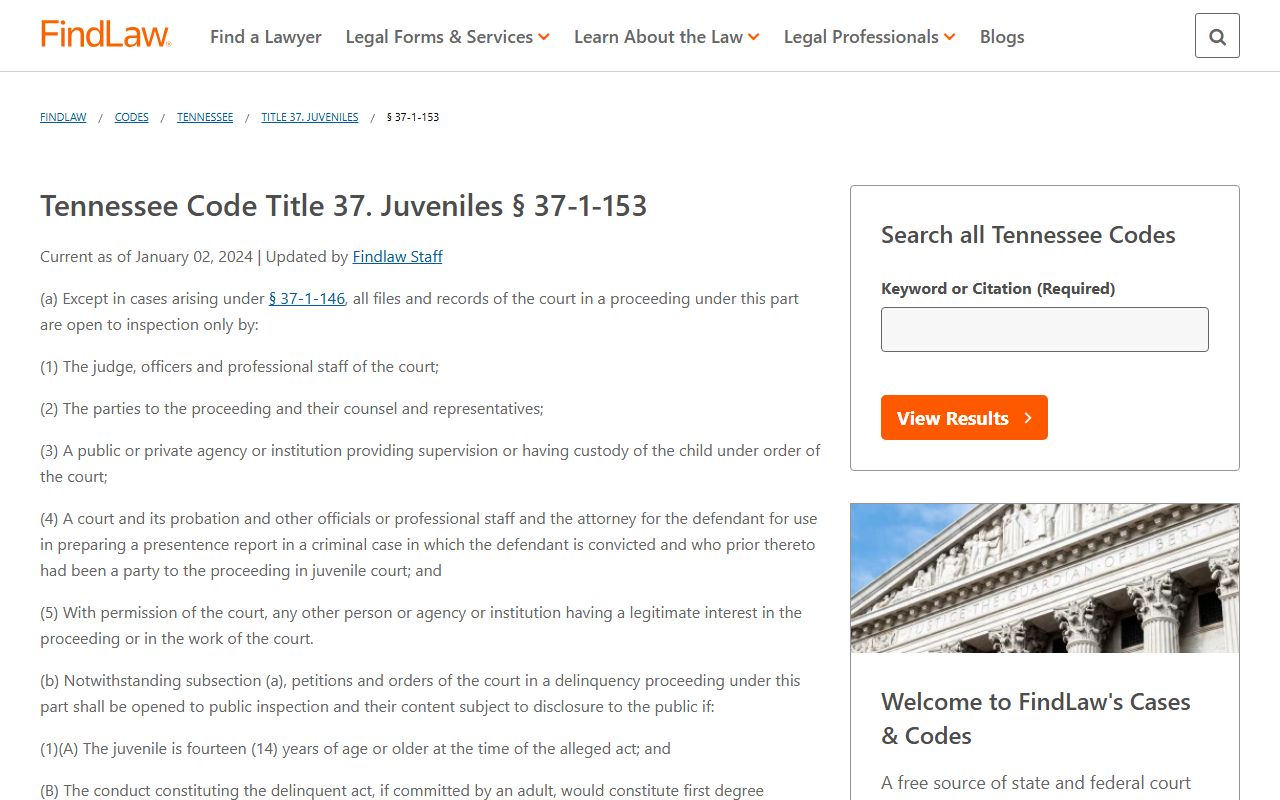
Some files are closed even though most court records are open. Juvenile files are confidential under Tennessee Code § 37-1-153. Adoption records are sealed under state adoption law. Expunged records are removed under Tennessee Code § 40-32-101. Mental health records, grand jury materials, sealed exhibits, and many personal identifiers are also kept out of public view.
The juvenile records statute shows how strictly the state limits access to juvenile files.
To view a sealed record, a person usually needs a court order or statutory authority. Clerks accept filings but cannot give legal advice or pick a form for you. For uncertain cases, talk with an attorney.
Getting Certified Copies of Rutherford County Court Records
The online portal helps you find a case, but it does not give you a certified copy. A certified copy carries the court seal and is what you need for legal use. Each clerk handles its own copies and sets its own charges. Chancery Court charges $0.50 per page for a plain copy and $5.00 plus copy charges for a certified copy. Outstanding court costs must be paid before any copy is released.
To order by mail, send the case number, the case style, a return mailing address, and a daytime phone number to the clerk who holds the file. A plain copy is fine for personal review. A certified copy is required when a court, an employer, an immigration office, or a licensing board needs proof. The Circuit Court Clerk and the Clerk and Master each maintain their own request steps.
- Confirm which court office holds the case before you request copies.
- Decide whether you need a plain copy or a certified copy.
- Pay any outstanding case costs first.
- Include the case number and case style on mail requests.
How fast can I get a certified copy? Turnaround depends on the office workload and whether you appear in person or mail the request. In-person copies are often handled the same day once costs are paid. Mail requests take longer because the clerk must locate the file, calculate copy charges, and return the documents. Always include a daytime phone number so the office can reach you about fees.
Online Search Versus In-Person Records
Both paths have a place. The free portal is fast and good for locating a case or checking status. The clerk counter is slower but gives you official, certified documents. Most people start online, then visit or mail the clerk only when they need a copy that counts.
| Feature | Online Portal | In-Person Clerk |
|---|---|---|
| Cost | Free to search | Free to inspect; copies cost |
| Speed | Instant results | Counter or mail turnaround |
| Official status | Informational only | Certified copies available |
| Documents | Often limited | Full file and exhibits |
The portal is the right first stop for almost any name or case-number lookup. The clerk is the right stop for a sealed-file question, a certified copy, or a document the portal does not show.
In-Person Court Record Requests in Rutherford County
You can request records in person at the clerk counters in the Judicial Center. Bring the case number or full party name and be ready to pay copy fees. The building closes to the public at 4:15 p.m., so arrive with time to spare. Mail requests should include the case number, the case style, a return address, and a daytime phone number.
Circuit Court Clerk - Melissa Harrell
116 W. Lytle St., Room 102
Murfreesboro, TN 37130
(615) 898-7820
Mon-Fri 8:00 a.m.-4:30 p.m.
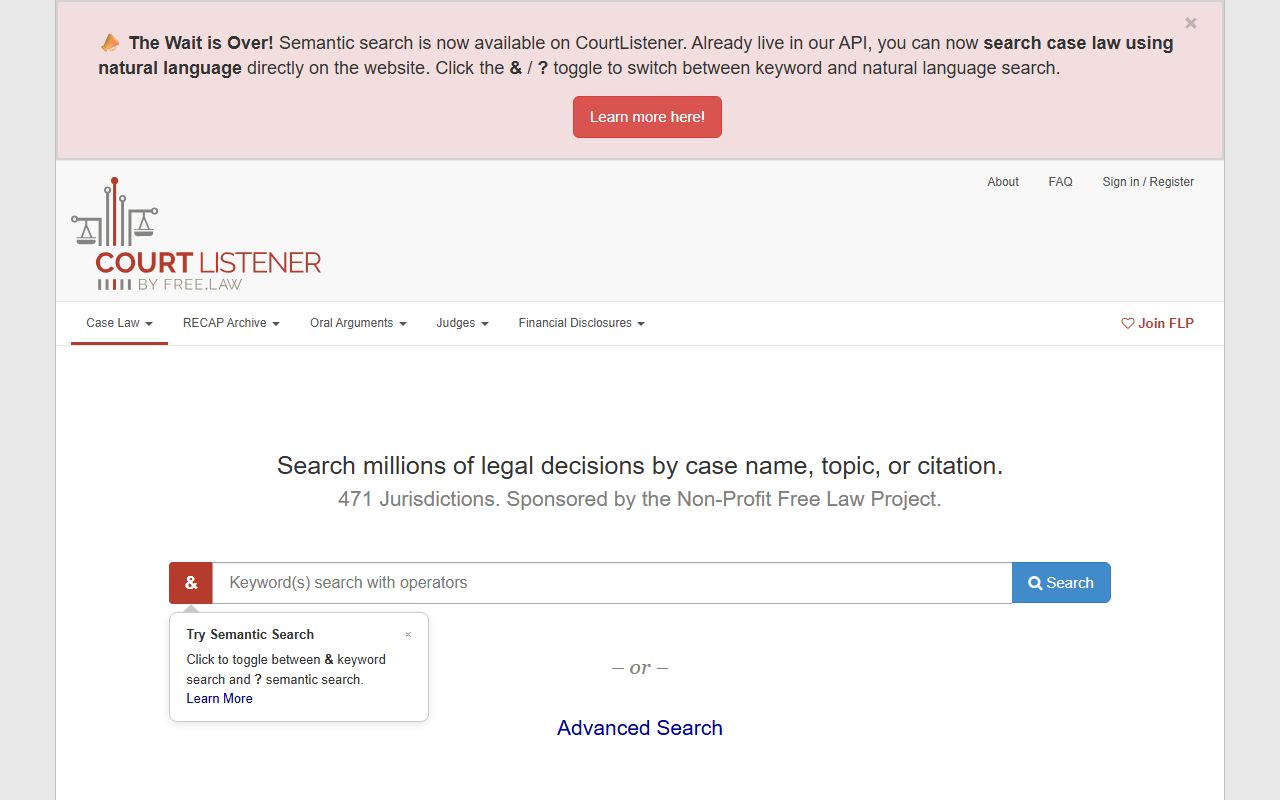
For free federal opinions and dockets that touch the county, CourtListener is a useful reference, though it is not a Rutherford County source.